User guide
Shopping calculator: discounts, promotions, units, and packs
Enter the shelf price and choose only the conditions that apply. Smart Shopping combines them and shows the amount you actually pay.
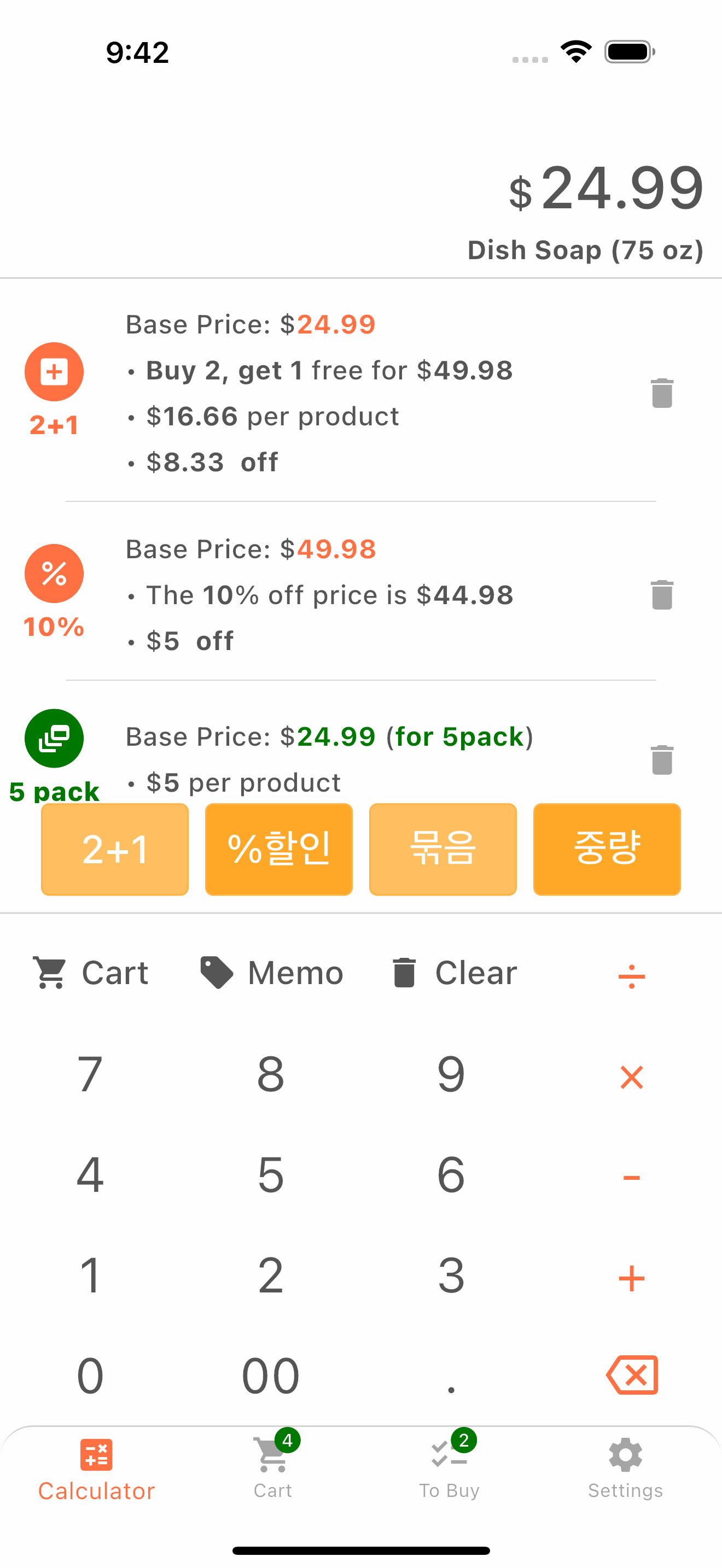
How to use it
- 1Enter the product price.
- 2Add a percentage discount or promotion such as Buy 2, Get 1 Free.
- 3Add quantity, weight, or pack information when comparing products.
- 4Review the result and add it to your cart.
Helpful tips
- Use the same unit for products you want to compare.
- Check the detailed breakdown before adding a complex promotion to the cart.